
Threat Intel Summary
1 min readEdit
On this page⌄
About This Dashboard
Threat Intel summary dashboard expands your understanding of the threat surface area and the potential attackers who could be compromising your organization.
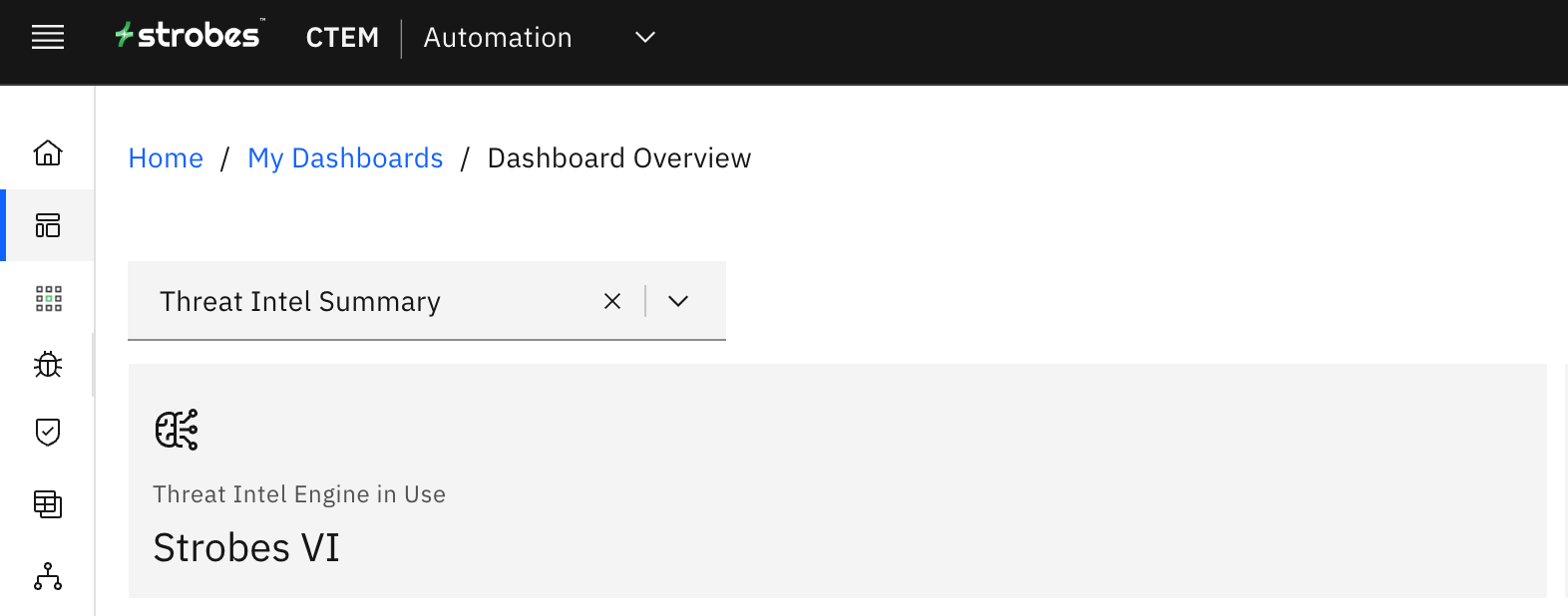
This card shows which Threat Intel source you are currently using. To learn more about Threat Intel, please refer to the Resources section in this article.
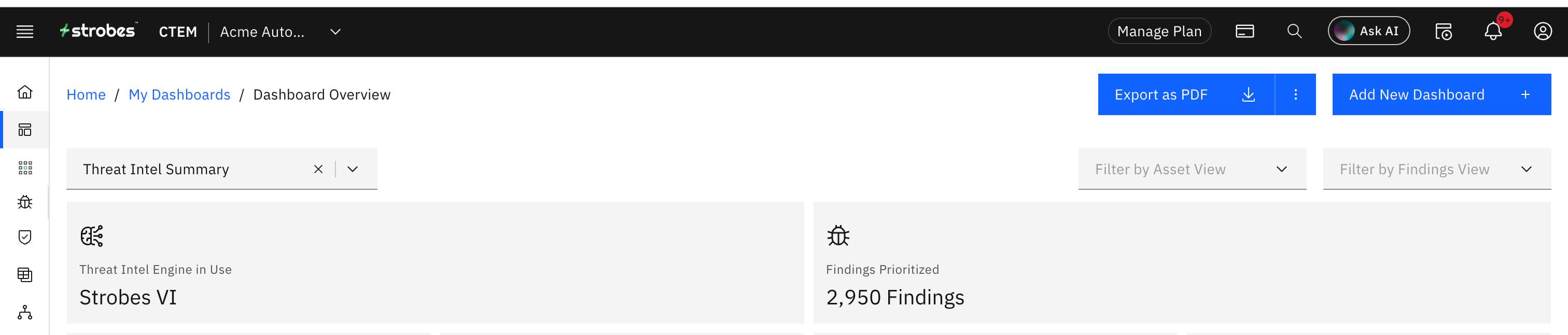
This card displays the total number of vulnerabilities that were prioritized by the Strobes platform.
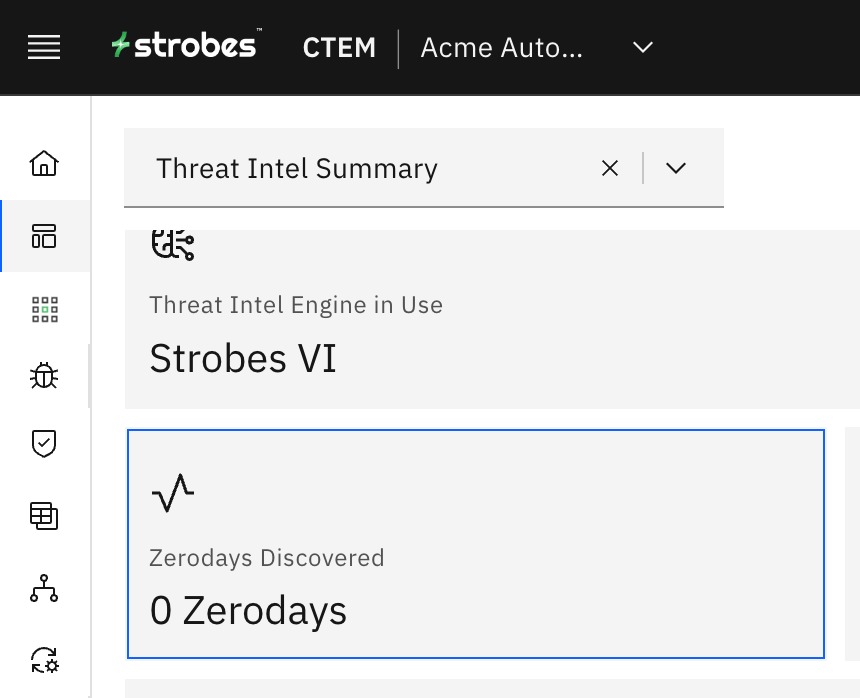 This card shows you the total count of zero-day vulnerabilities in your organization. | 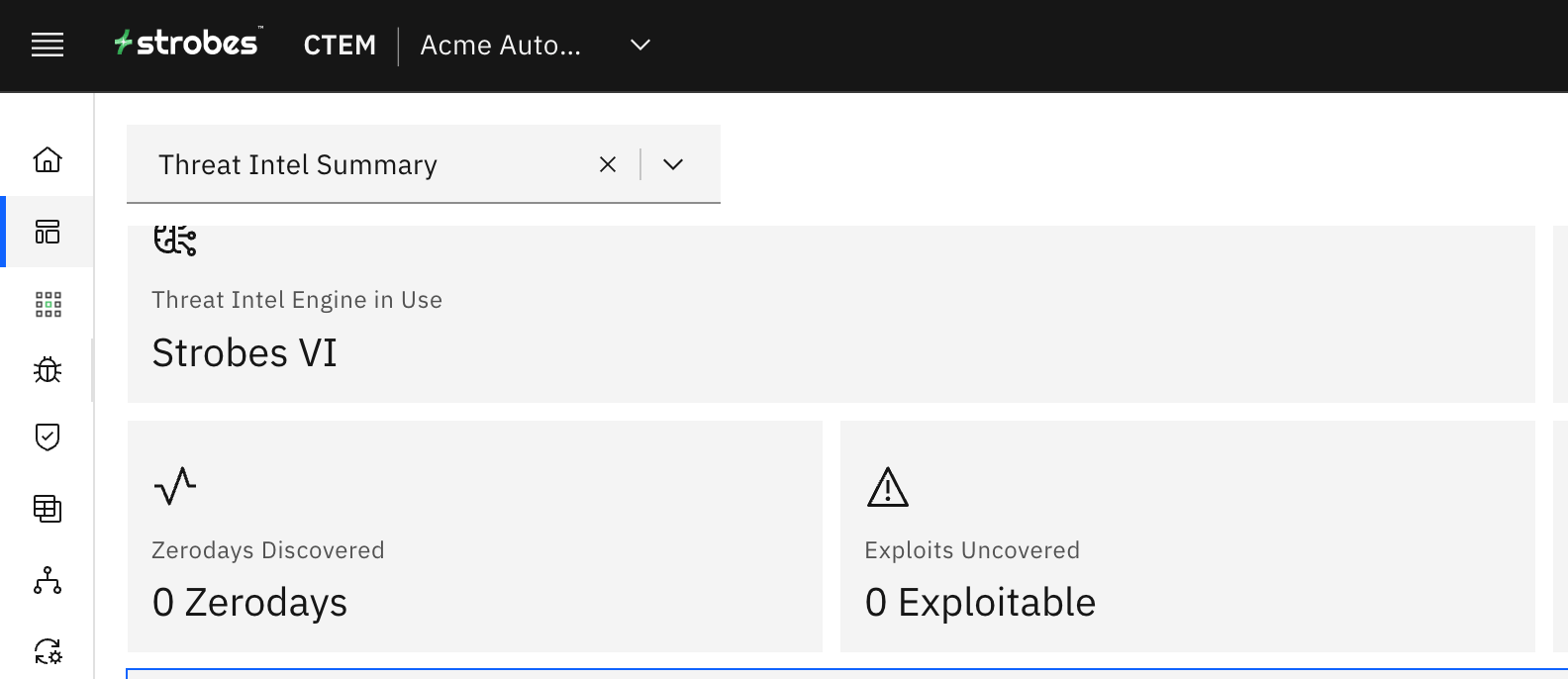 This is the total count of common exploits affecting your organization. |
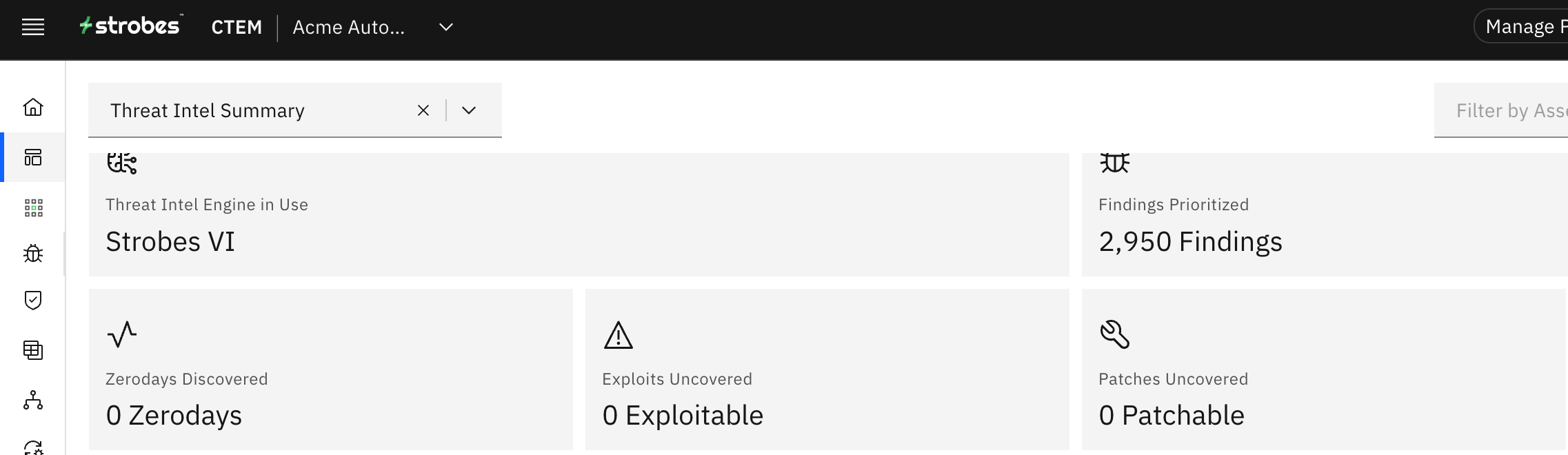 This card shows you the total no. of available patches for the reported vulnerabilities. | 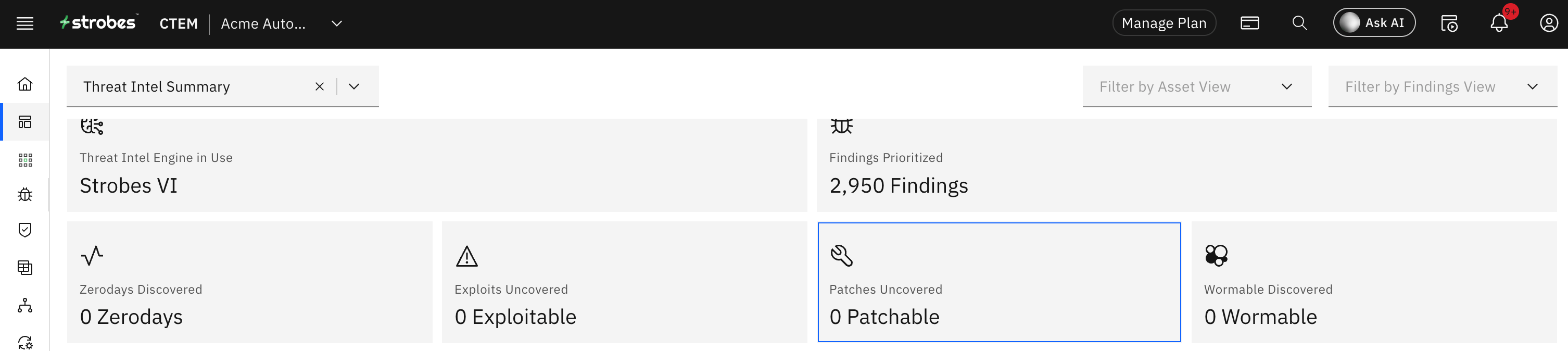 This card highlights the total number of vulnerabilities that are wormable. |
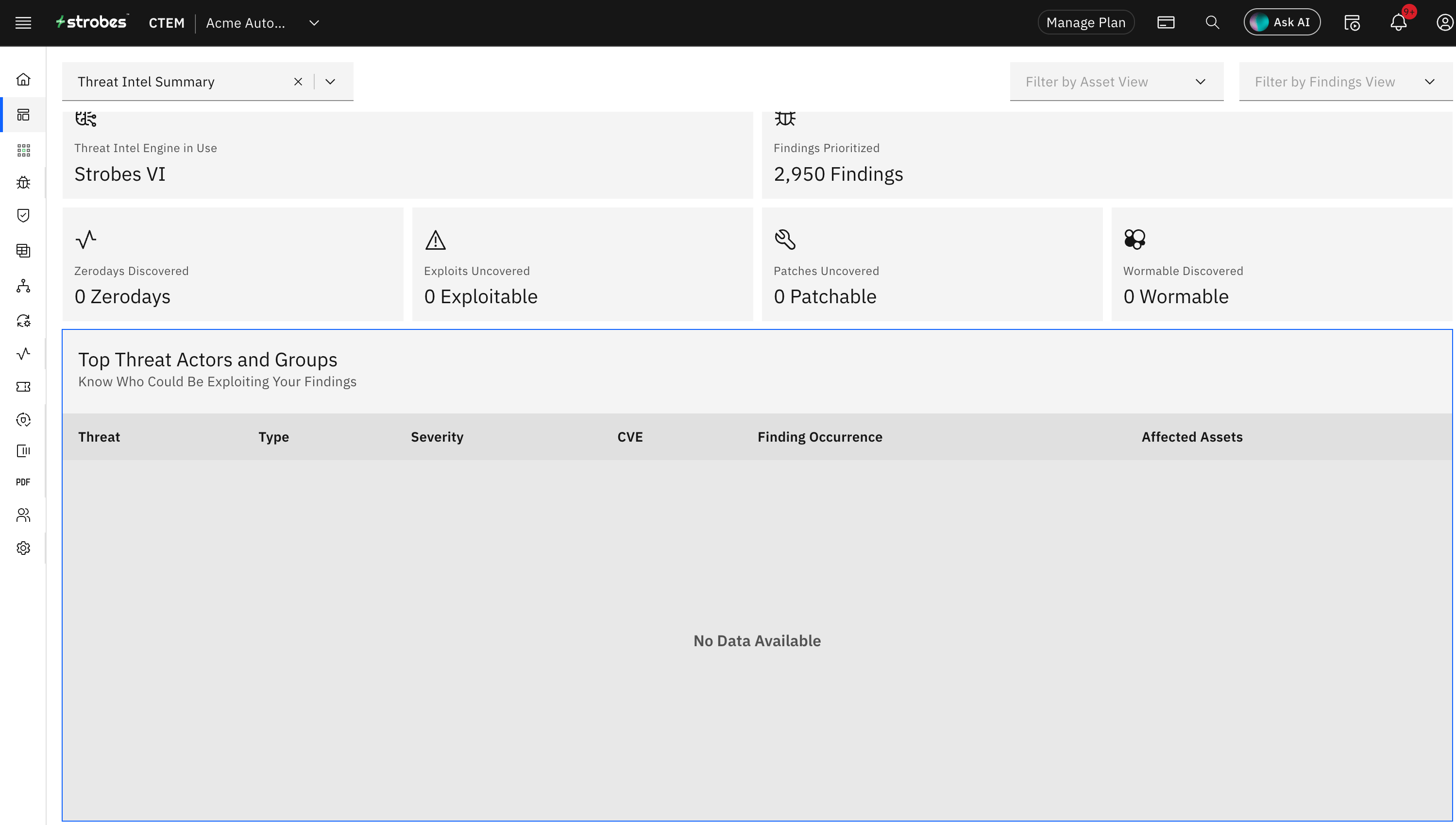
This table displays the top threat actors and groups who could potentially be exploiting the vulnerabilities in the open internet.
Resources
More in Default dashboards
Was this page helpful?