
Vulnerability State Approvals
1 min readEdit
This feature will enable you to create a global setting in your organization for approving the change in the state of a vulnerability. The owner of the organization as well as the manager can create/edit this setting. You can define which vulnerability states will need approval before its state can be changed and you can also add who can approve the change.
The following are the steps to configure Vulnerability State Approvals:
- Navigate to 'Vulnerability State Approvals' under 'Settings'.
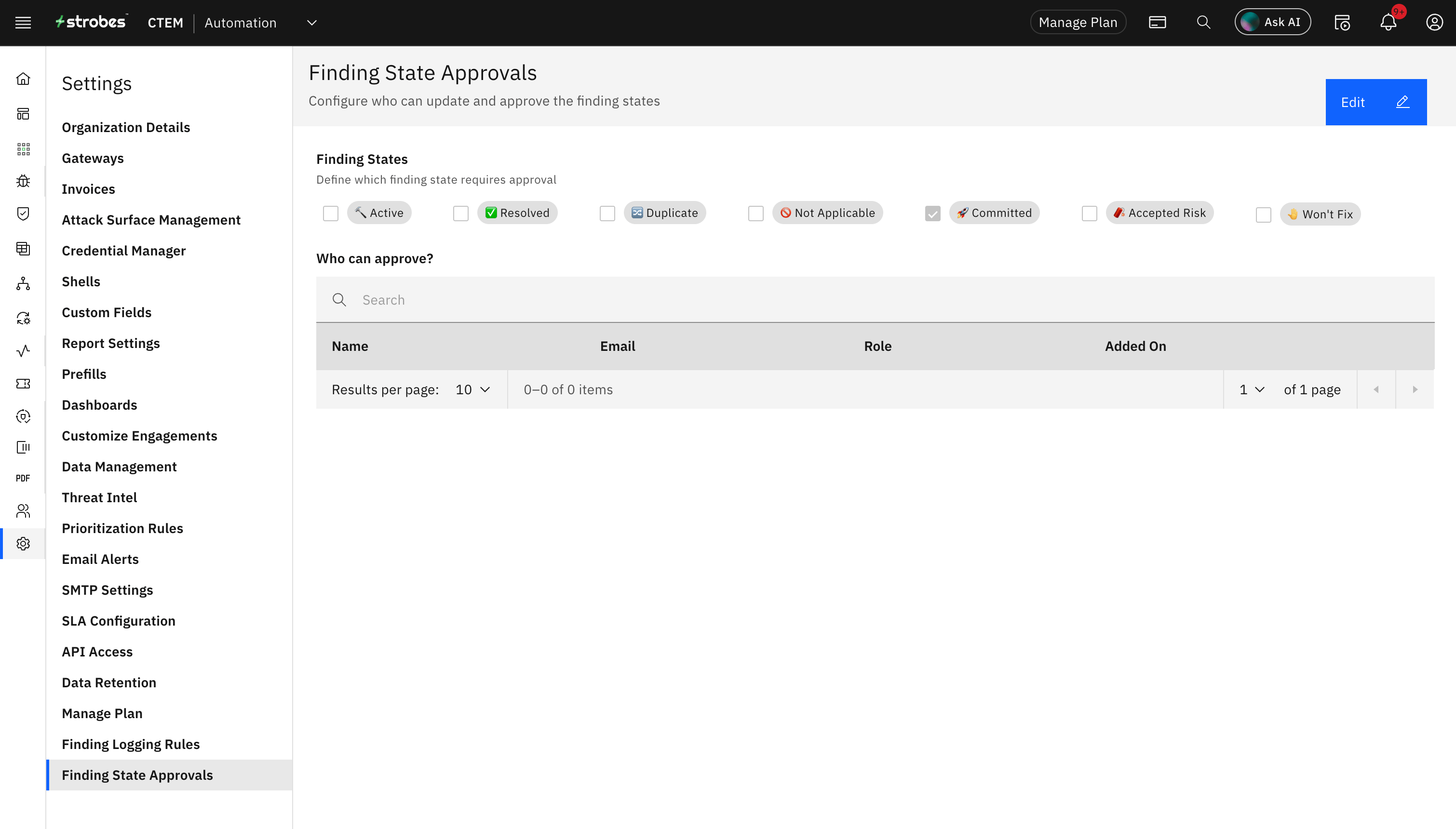
- Now click on 'Edit'.
- Select the vulnerability states which require approval.
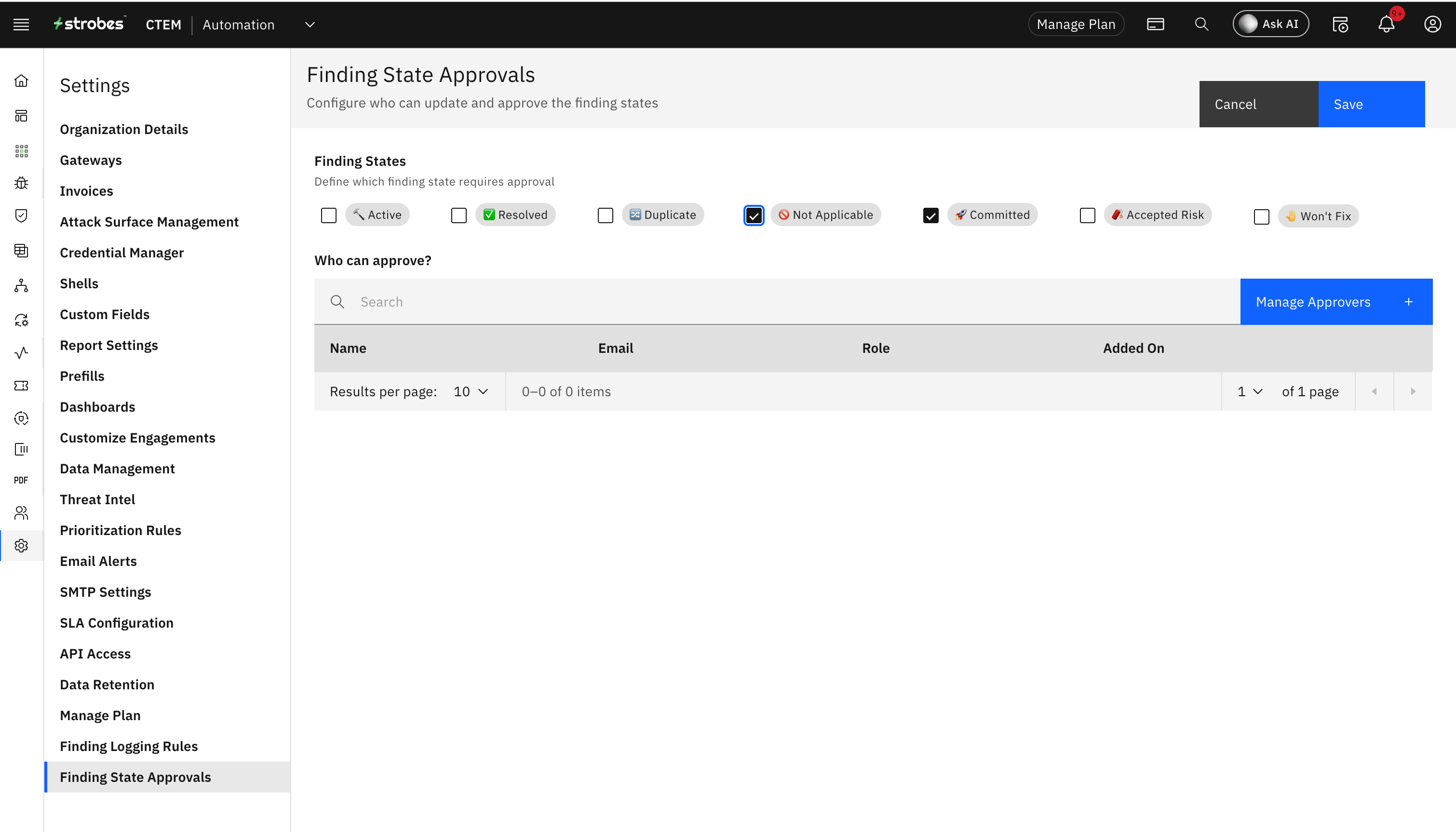
- Click on 'Add' to select the users who can approve the change in vulnerability states.
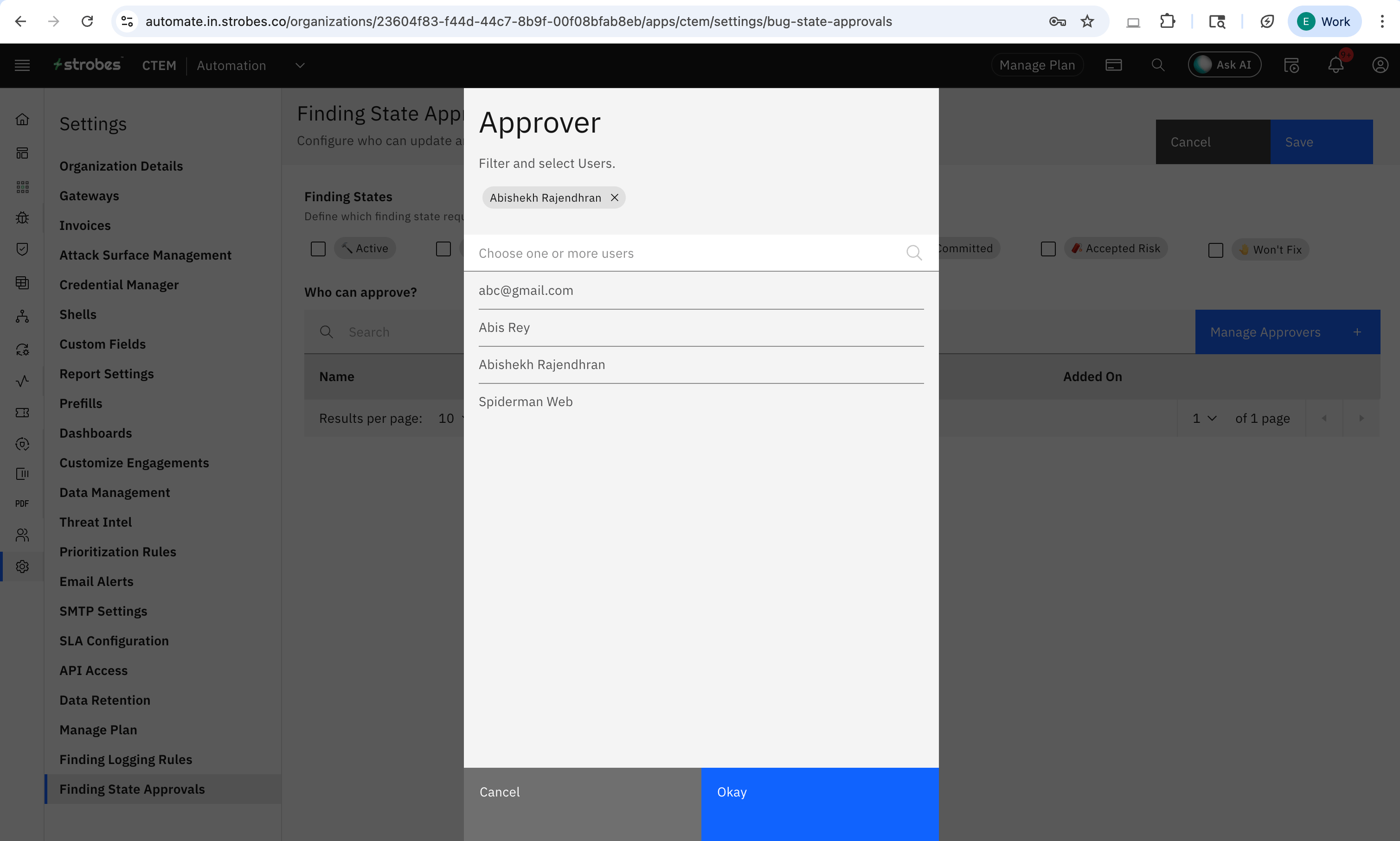
- Select the users and now click on 'Save'.
- Your configuration for Vulnerability State Approvals will get applied.
State Approval Flow:
- As a user, navigate to any of the vulnerabilities for which you need to change the state.
- Now click on 'Manage' against the 'Status' of the vulnerability and you will be able to see which states require approval.
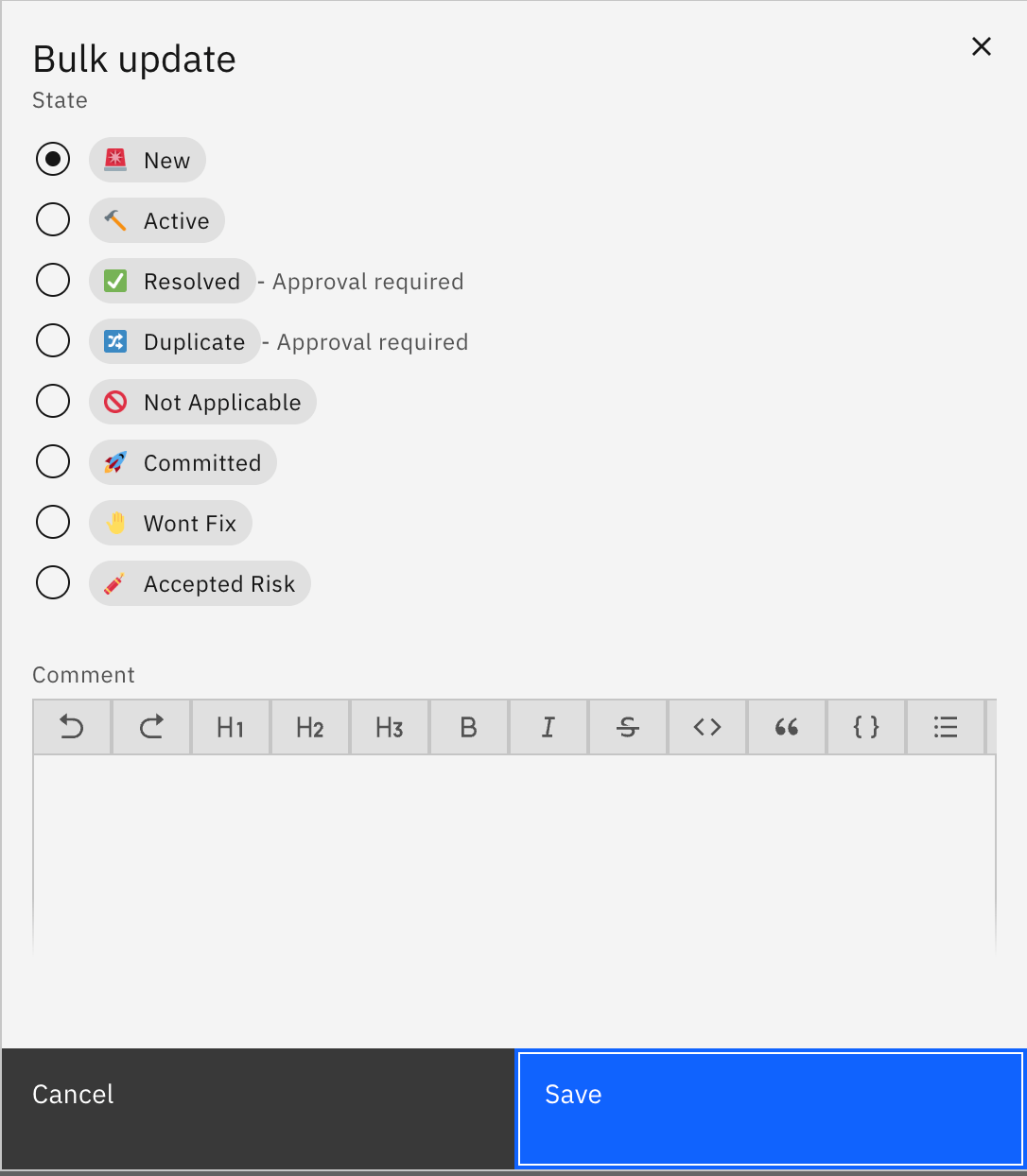
- Select any one of the state which requires approval and a request will be sent as shown below.
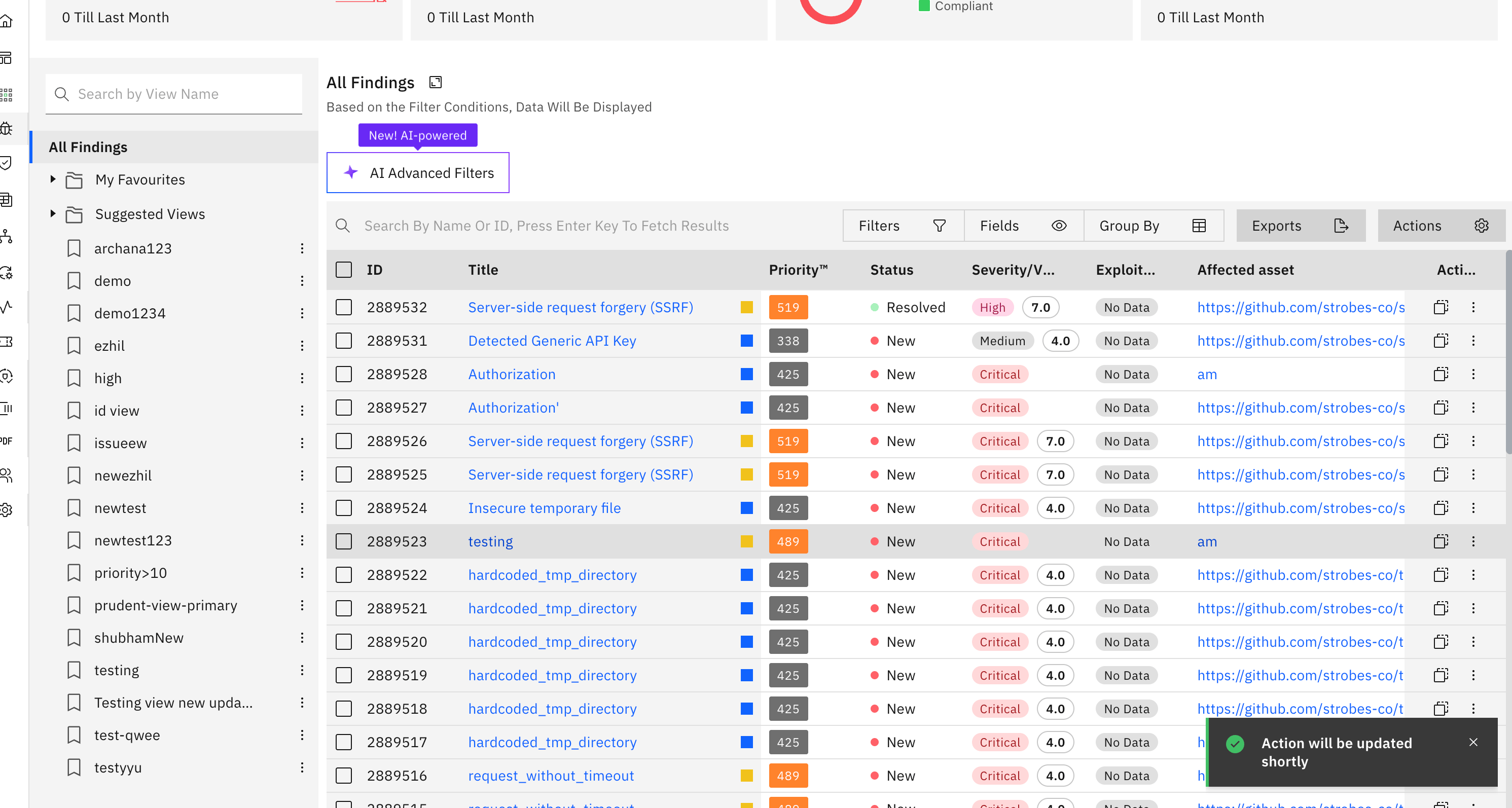
- A 'View' will now be created in the 'Approver' account with the name 'Approvals Awaiting'. More about vulnerability views here.

- The approver can now choose to 'Approve' or 'Decline' the status change.
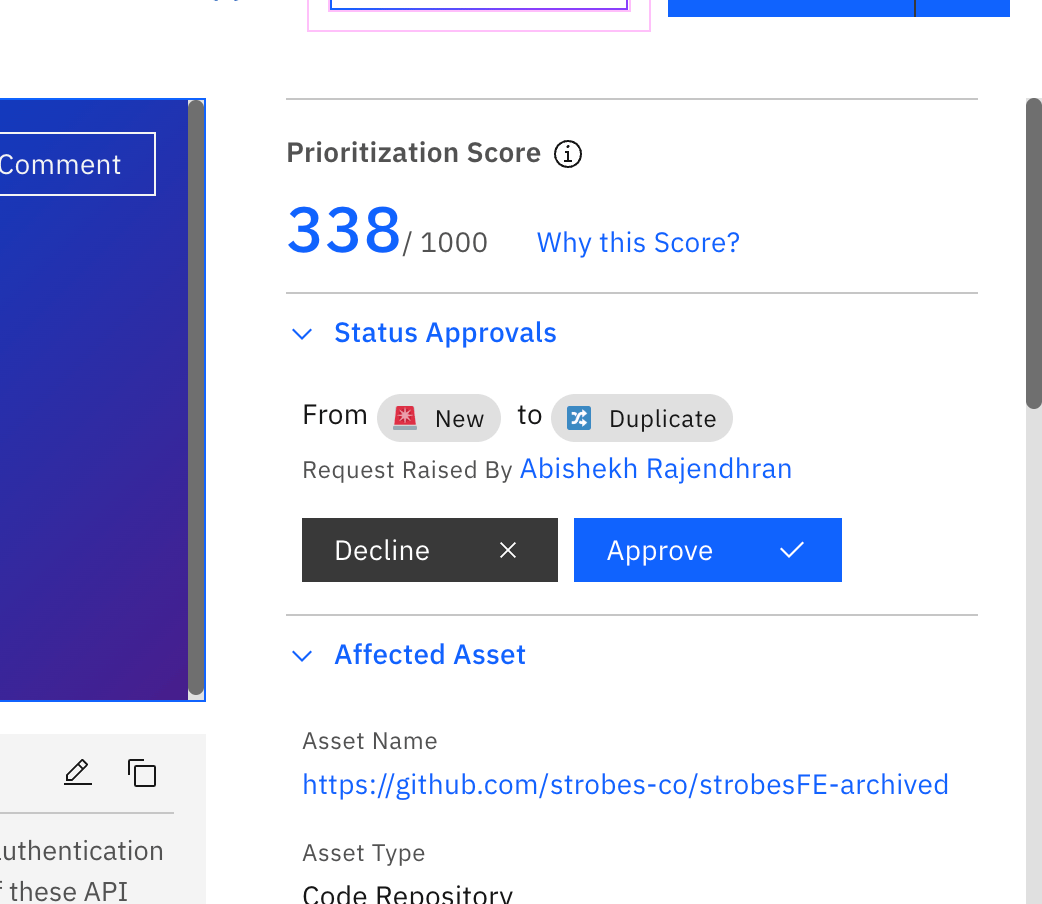
- It is also possible to mass request and mass approve/decline the status change.
More in Findings
Was this page helpful?